Introduction
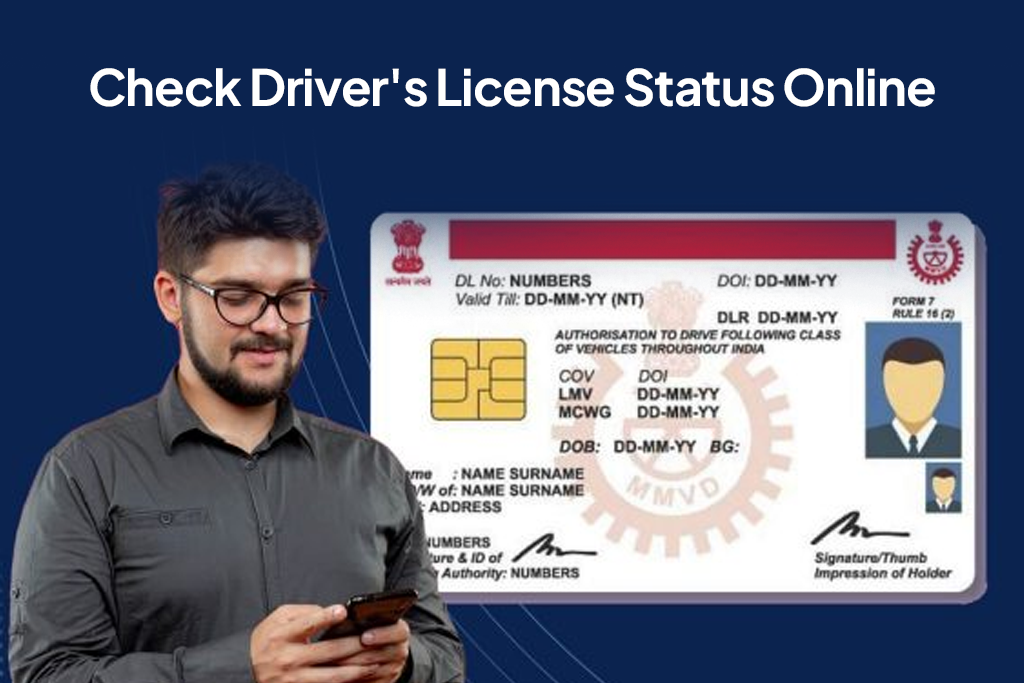
Applied for a driving licence and wondering what’s happening next? Whether you’ve applied for a new licence, renewal, duplicate copy, or correction, knowing how to check driving licence status online can save you time and unnecessary visits to the RTO.
In 2026, the government has made it easier than ever to track your driving licence application status through official online portals. Keeping your documents updated also helps in financial processes if you plan to apply for personal loan easily without verification delays.
Why Checking Driving Licence Status Online Is Important
Tracking your driving licence status helps you:
- Confirm whether your application has been approved
- Check if additional documents are required
- Know whether your DL has been printed or dispatched
- Avoid unnecessary delays or RTO visits
- Stay legally compliant if renewal is pending
If you’ve recently applied, regularly checking the status ensures you’re not missing any updates. It’s also wise to check your credit score online before applying for any financial product to ensure smoother approvals.
Details Required to Check Driving Licence Status
Before checking your status, keep the following details ready:
- Application number (provided at the time of submission)
- Date of birth
- Driving licence number (for renewals or corrections)
- Registered mobile number (if OTP verification is required)
Having the correct information ensures a smooth status check.
How to Check Driving Licence Status Online via Official Portal
The safest and most reliable way to check your DL status is through the official Parivahan portal.
Steps:
- Visit the official Parivahan Sewa website
- Select “Driving Licence Related Services”
- Choose your state
- Click on “Application Status”
- Enter your application number and date of birth
- Submit to view your driving licence status Parivahan
The portal will show real-time updates related to your licence processing.
Driving Licence Status Check by Application Number
If you’re specifically looking for driving licence status by application number, follow these steps:
- Go to the Parivahan portal
- Click on “Track Application Status”
- Enter your application number
- Provide additional verification details
- View the current stage of your application
This method is the most accurate way to track your driving licence application status.
Checking Learner’s Licence and Permanent Licence Status
The same portal allows you to check:
- Learner’s licence status
- Permanent driving licence status
- Renewal status
- Duplicate licence application status
Just ensure you select the correct service type while checking.
Understanding Driving Licence Application Status Stages
When you perform an application status check Parivahan, you may see different stages such as:
- Application Submitted
- Documents Verified
- Pending RTO Approval
- Approved
- DL Printed
- Dispatched
Each stage indicates progress. If your status remains unchanged for too long, you may need to contact your local RTO.
Alternative Ways to Check DL Status Online
Besides the Parivahan portal, you can also:
- Check through your state transport department website
- Use SMS services (if available in your state)
- Use DigiLocker for digital DL updates
- Check via mParivahan app
However, the Parivahan portal remains the primary official source.
Common Issues While Checking Driving Licence Status
Some common problems users face include:
- Incorrect application number
- Server downtime
- Status not updating
- OTP not received
- Mismatch in personal details
Always double-check details before submitting.
How Long Does Driving Licence Processing Take
Processing time varies by state, but generally:
- Learner’s licence: 2 to 7 working days
- Permanent licence: 7 to 30 working days
- Renewal or correction: 7 to 15 working days
Delays may occur during peak application periods.
What to Do If Driving Licence Status Does Not Update
If your status hasn’t changed for a long time:
- Recheck after 48–72 hours
- Verify your application details
- Contact your RTO helpdesk
- Visit the RTO if required
Keep your acknowledgement receipt safe until your licence is issued.
Conclusion
Understanding how to check driving licence status online ensures you stay informed without unnecessary hassle. With the Parivahan portal and digital tools available in 2026, tracking your driving licence application status is quick and secure.
Regular monitoring helps you avoid legal complications and ensures smooth driving privileges.
FAQs
1. How can I check my driving licence status online?
Visit the Parivahan portal and track your application using the application number.
2. Can I check my driving licence status without an application number?
In most cases, the application number is required for tracking.
3. How long does it take to get a driving licence after approval?
Typically 7 to 30 working days depending on your state.
4. What does “DL Dispatched” mean?
It means your driving licence has been printed and sent for delivery.
5. Is Parivahan the official website for DL status?
Yes, it is the official government portal for checking driving licence status Parivahan.
| Personal Loans by City | ||||
|---|---|---|---|---|
| Personal Loan Bengaluru | Personal Loan Thane | Personal Loan Mumbai | Personal Loan Hyderabad | |
| Personal Loan Pune | Personal Loan Surat | Personal Loan Coimbatore | Personal Loan Delhi | |
| Personal Loans by Amount | ₹60,000 Personal Loan | ₹3 Lakh Personal Loan | ₹5 Lakh Personal Loan |
|---|