Introduction
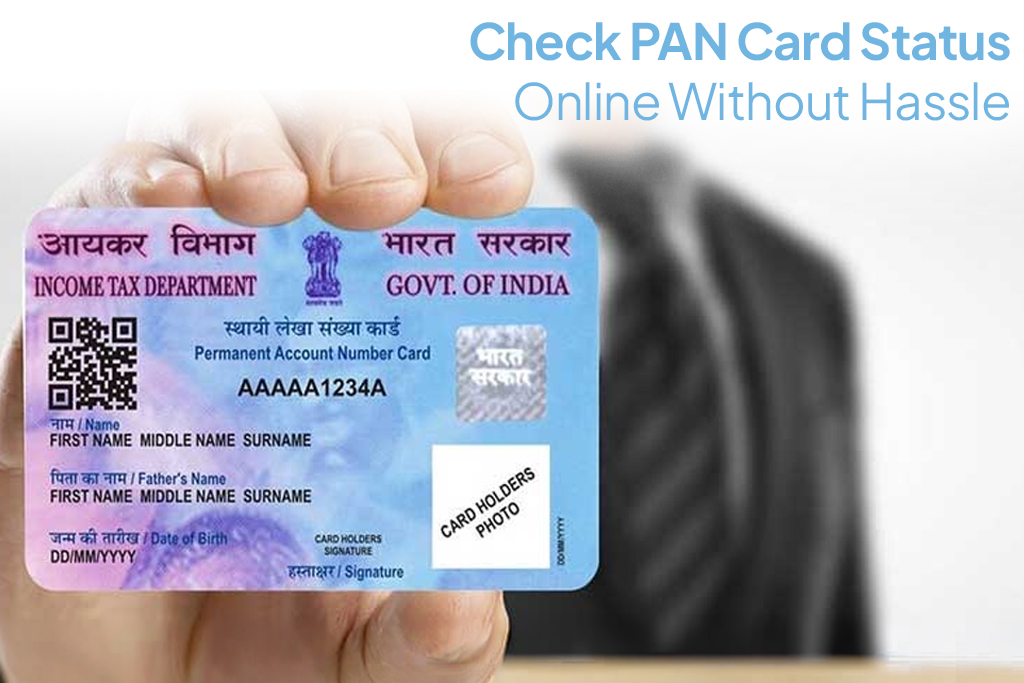
Applying for a PAN card is often the first step towards managing taxes, investments, and financial services in India. After submitting an application, the next natural question is how to check PAN card status online, without confusion or repeated follow-ups. Thankfully, the process is simple, digital, and can be done from anywhere in minutes.
Why Checking PAN Card Status Matters
Tracking your PAN card application helps you:
- Know whether your application is approved or under verification
- Avoid missing documents or correction requests
- Estimate when you’ll receive your PAN card
- Use an e-PAN if urgently required
Regularly checking your PAN card application status ensures there are no last-minute surprises especially if you plan to apply for personal loan using PAN once it is issued.
Different Ways to Check PAN Card Status Online
You can track PAN card status using:
- Acknowledgement number
- Name and date of birth
- PAN number (for corrections or reissues)
The most commonly used and reliable method is through the official Protean portal.
How to Check PAN Card Status Using Protean (NSDL) Portal
The official portal managed by Protean eGov Technologies (formerly NSDL) allows easy tracking.
Steps:
- Visit the Protean PAN status tracking page
- Select “Application Type” (New PAN or Correction)
- Enter your acknowledgement number
- Submit to view current status
This is the most accurate way to track PAN card status online.
How to Check PAN Card Status Without Acknowledgement Number
If you’ve misplaced your acknowledgement number, you can still check status using:
- Full name (as per application)
- Date of birth
- Mobile number
This option is available on the same portal and is helpful for first-time applicants.
How to Track PAN Card Dispatch Status
Once approved, PAN cards are dispatched via courier. You can:
- Check the dispatch status on the Protean portal
- Use the consignment number to track delivery on the courier’s website
This step confirms whether your PAN card is on its way or already delivered.
PAN Card Status Stages Explained
When you check PAN card status online, you may see messages such as:
- Application received
- Under verification
- Approved
- PAN allotted
- Dispatched
Each stage reflects progress, so there’s no need to worry if it takes a few days to move forward.
How Long Does PAN Card Processing Take
Typically:
- e-PAN: 2–5 working days after approval
- Physical PAN card: 10–15 working days
Timelines may vary based on verification checks and address accuracy.
Common Issues While Checking PAN Card Status
Some users face issues like:
- Incorrect acknowledgement number
- Mismatch in name or date of birth
- Website downtime
- Delayed updates
Double-checking details usually resolves these problems.
What to Do If PAN Card Is Delayed
If your PAN card is delayed:
- Recheck application details
- Look for communication from authorities
- Raise a grievance through the portal if delays exceed normal timelines
Delays are often due to verification or address issues.
Safe Practices for PAN Card Status Check Online
To stay secure:
- Use only official government portals
- Avoid third-party websites asking for sensitive details
- Never share OTPs or PAN details over calls or messages
Data safety is as important as speed.
Can You Use e-PAN While Waiting for Physical PAN
Yes. The e-PAN is a valid digital document and is accepted for:
- Bank account opening
- KYC verification
- Financial applications
You can download and use it while waiting for the physical card.
Conclusion
Knowing how to check PAN card status online saves time, reduces anxiety, and keeps your financial plans on track. Whether you’re applying for a loan, opening an account, or completing KYC, tracking your PAN ensures you’re always prepared.
Your PAN card plays a key role in accessing loans, credit, and financial tools. Once your PAN is ready, you can check your CIBIL score instantly and explore the FatakPay app to apply for personal loans, check eligibility, and manage your financial needs through a simple digital process.
FAQs
1. How can I track PAN card status online?
You can track it using the acknowledgement number or personal details on the official portal.
2. Can I check PAN card status without acknowledgement number?
Yes, by using your name and date of birth.
3. How long does PAN card processing take?
Usually 2–5 days for e-PAN and up to 15 days for physical PAN.
4. Is e-PAN valid everywhere?
Yes, e-PAN is legally valid for most purposes.
5. What if my PAN card is delayed?
You can raise a grievance or recheck application details online.
| Personal Loans by City | ||||
|---|---|---|---|---|
| Personal Loan Bengaluru | Personal Loan Thane | Personal Loan Mumbai | Personal Loan Hyderabad | |
| Personal Loan Pune | Personal Loan Surat | Personal Loan Coimbatore | Personal Loan Delhi | |
| Personal Loans by Amount | ₹60,000 Personal Loan | ₹3 Lakh Personal Loan | ₹5 Lakh Personal Loan |
|---|